Plan and adjust
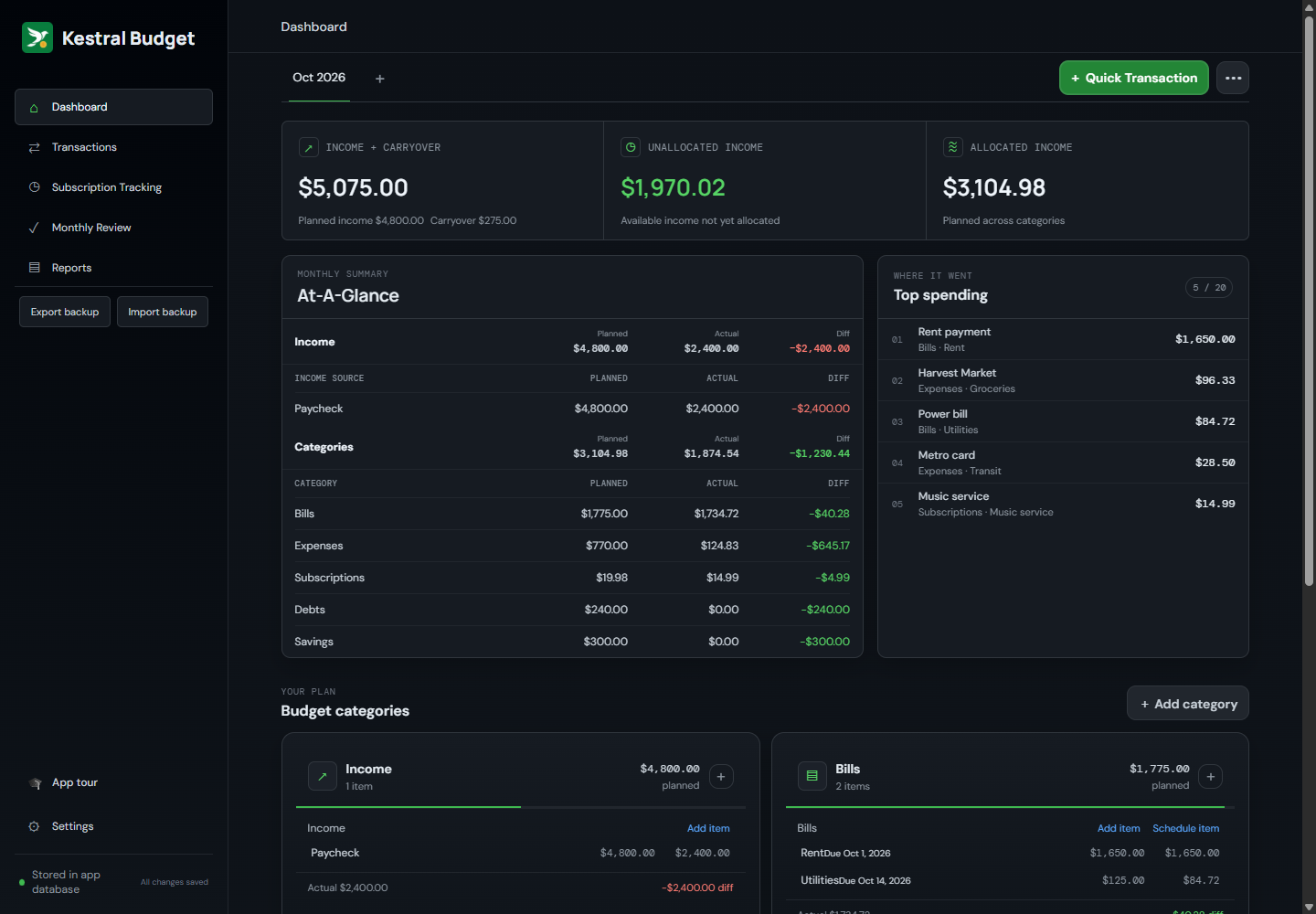
Set monthly targets, compare planned with actual income and spending, see unallocated income, and carry a balance forward when you choose.
 Kestral Budget
Fast, lightweight, and private by design. Local-first budgeting with no bank connections, no cloud accounts, and no subscription fees.
Download the latest release Windows x64 · macOS Apple Silicon (unsigned) Prefer to run it on your own server? Kestral Budget can also be self-hosted with Docker.

Set monthly targets, compare planned with actual income and spending, see unallocated income, and carry a balance forward when you choose.
Organize with the categories, sections, and items that make sense to you. Choose your currency, date format, theme, and layout.
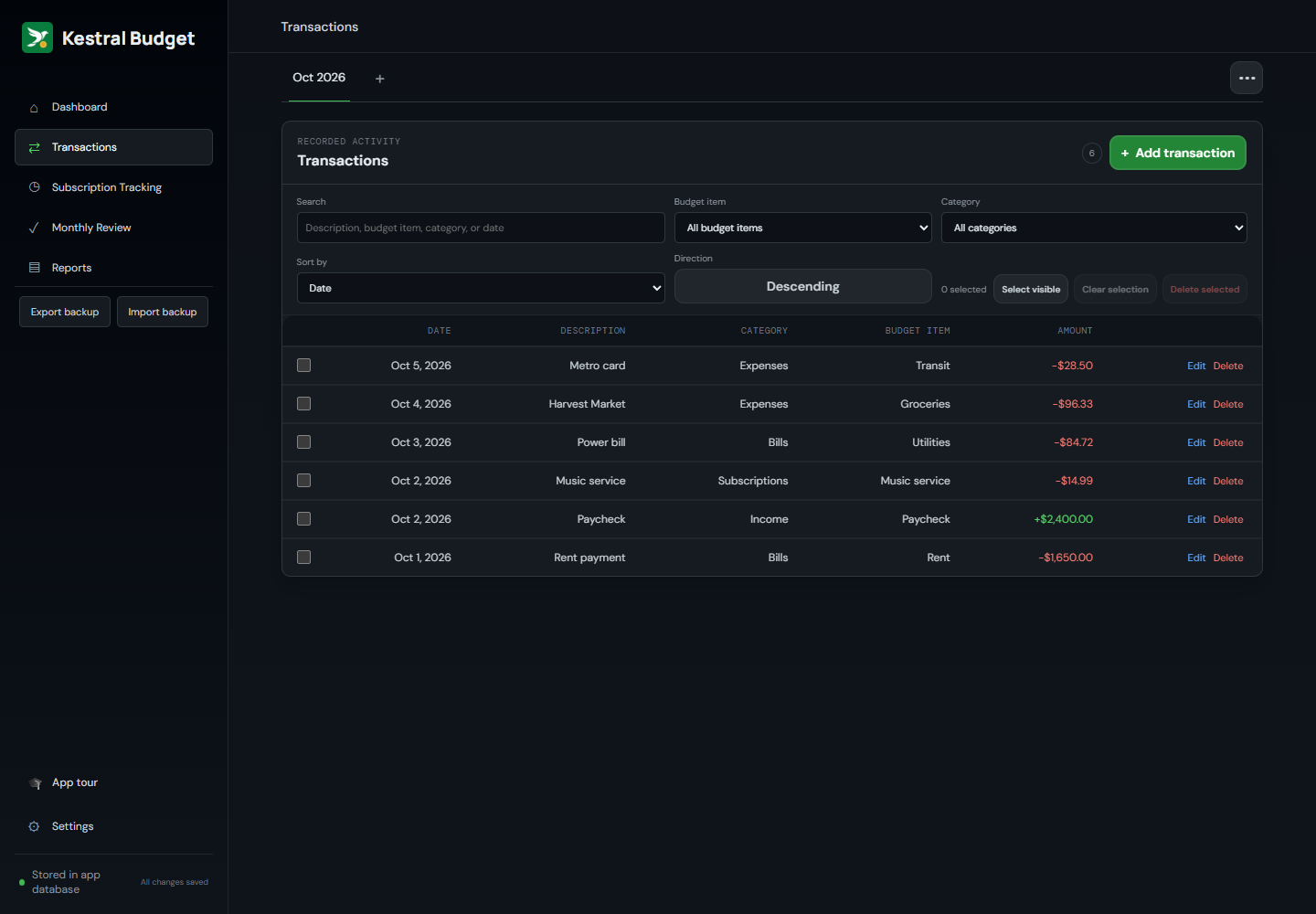
Log transactions against budget items, then search, filter, sort, and manage activity in bulk.
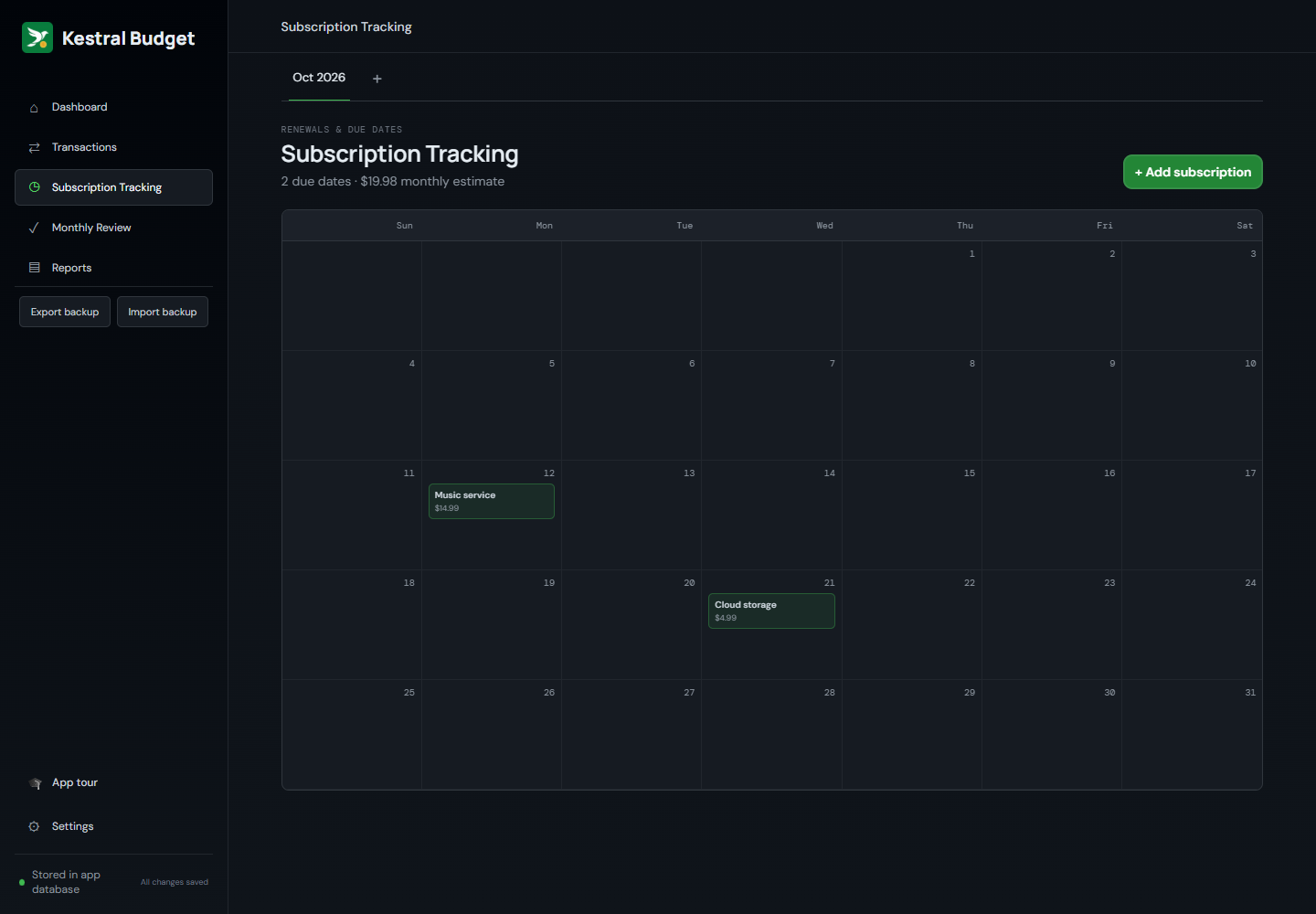
Add due dates to bills, subscriptions, and debts, and see upcoming subscriptions on a calendar.
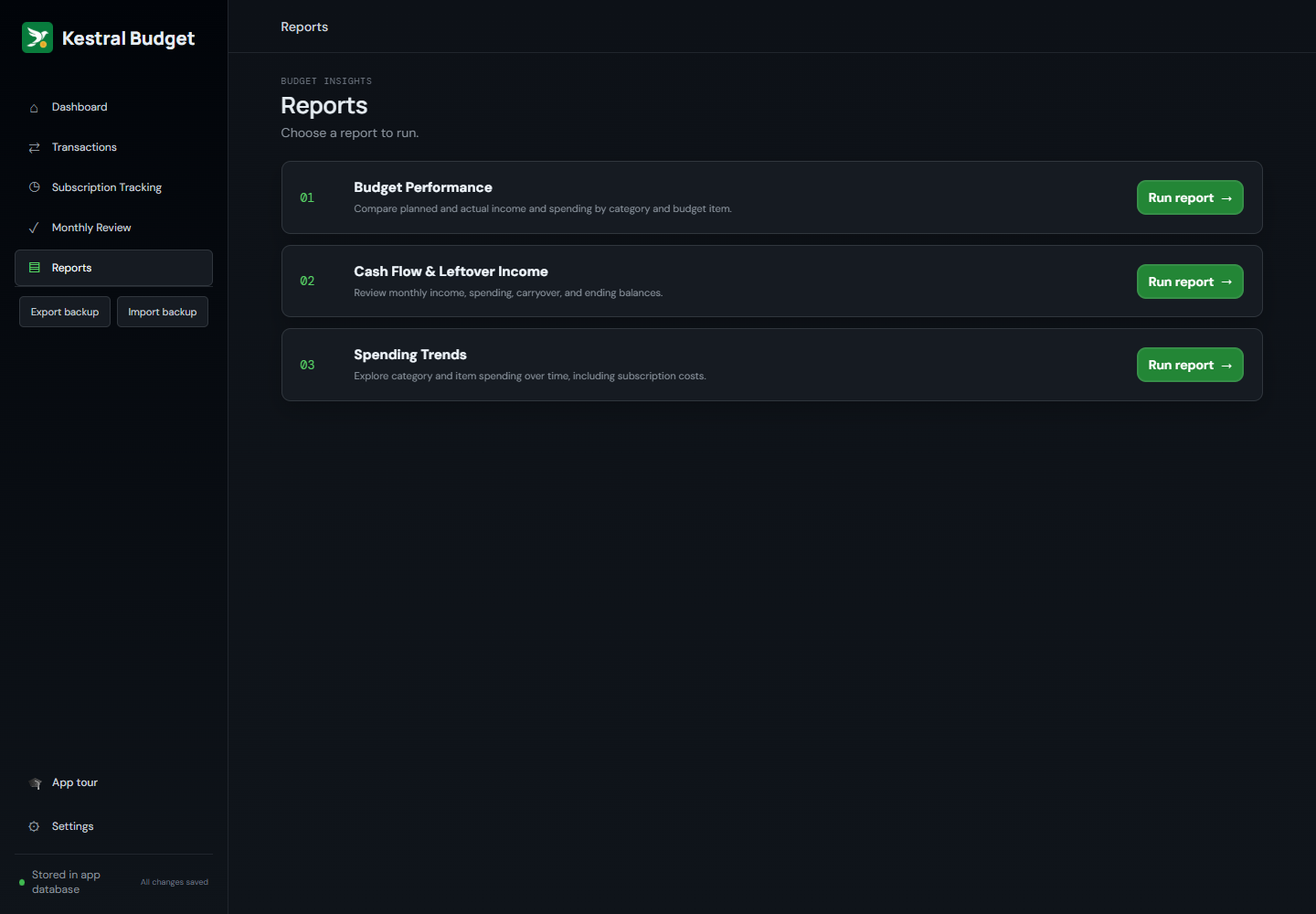
Budget Performance, Cash Flow & Leftover Income, and Spending Trends reports show how your budget does over time.
Your data stays on your computer. No accounts, no bank connections, no cloud sync.
Set up your sections, add income, bills, and savings goals, then record a transaction. Sample data shown.
Screenshots use fictional sample data.
Free desktop app for Windows (x64) and macOS (Apple Silicon, unsigned build). Prefer to run it yourself? It can also be self-hosted with Docker.
Download the latest release Self-hosting instructions
Drag Kestral Budget to your Applications folder, then open it. What happens next depends on your Mac:
If macOS says it “cannot verify” the app or that it is from an unidentified developer: open System Settings → Privacy & Security, scroll to the message about Kestral Budget, click Open Anyway, and confirm.
If macOS says the app is “damaged and can’t be opened”: the app is not damaged. macOS is blocking it because it is unsigned. Open Terminal, run the command below, then open the app again:
xattr -cr "/Applications/Kestral Budget.app"This clears the download quarantine flag on that one app. Only do this for software you trust. The full source code is public on GitHub.
Kestral is free. If it’s useful, you can support development.

Kestral has no automatic bank connections, cloud sync, or automatic backups. Export backups of important data regularly.